The Ultimate Guide to Professional Email Writing
Published on January 8, 2025 • 10 min read
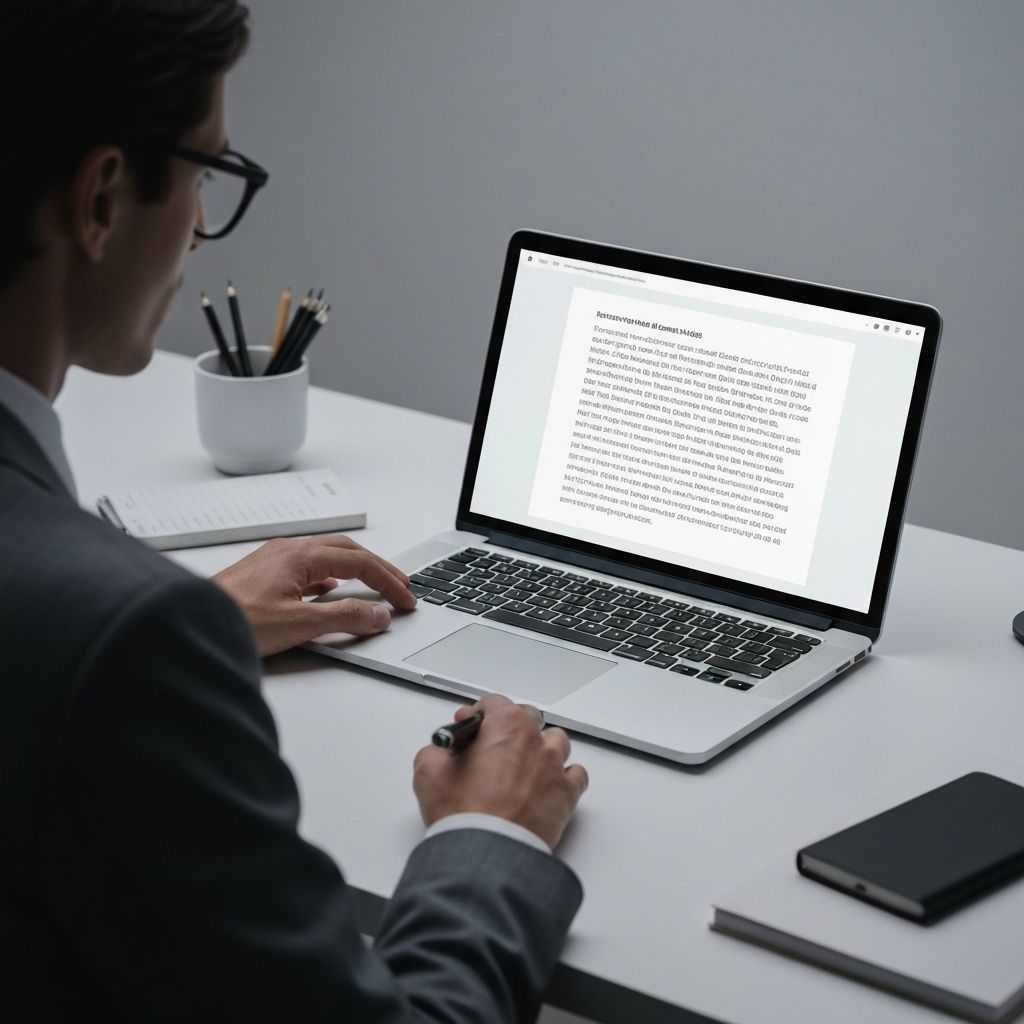
In today's digital workplace, email remains the primary mode of professional communication. Whether you're reaching out to a potential client, corresponding with colleagues, or responding to customer inquiries, the quality of your emails directly impacts how you're perceived professionally and your ability to achieve your goals.
A well-written email can open doors, build lasting relationships, and move projects forward efficiently. Conversely, poorly written emails can damage your reputation, cause costly misunderstandings, and waste valuable time for everyone involved. This comprehensive guide will teach you everything you need to know about crafting professional emails that get results and leave positive impressions.
Why Professional Email Writing Matters More Than Ever
Email is often your first point of contact with clients, partners, and colleagues—sometimes even before a phone call or video meeting. Your writing style, tone, grammar, and attention to detail all contribute to the critical first impression you make. Professional emails demonstrate respect for your recipient's time, showcase your communication skills, and reflect your overall professionalism and competence.
Research shows that 86% of professionals prefer email for business communication, making it the most important written communication skill in the modern workplace. Additionally, studies indicate that clear, professional emails can increase response rates by up to 40% compared to poorly written messages. The way you write emails can literally make or break business opportunities.
Key Benefits of Professional Email Writing
- Builds credibility and trust with recipients from the first interaction
- Reduces miscommunication, confusion, and costly follow-up emails
- Increases response rates and engagement by 30-40%
- Saves time for both sender and receiver through clarity
- Enhances your professional brand and career opportunities
- Facilitates better business relationships and networking
- Demonstrates leadership and attention to detail
- Improves team collaboration and project efficiency
7 Essential Elements of Professional Emails
1Subject Line: Your First Impression
Your subject line is the first thing recipients see and determines whether they'll open your email immediately, later, or never. A good subject line is clear, specific, relevant, and compelling. It tells the recipient what the email is about and why they should prioritize it.
Poor Examples:
• "Question"
• "Hi"
• "Following up"
Good Examples:
• "Question About Project Timeline for Q1 Campaign"
• "Proposal for Website Redesign - Due Jan 15"
• "Meeting Request: Discuss Marketing Strategy Next Week"
Pro Tips for Subject Lines:
- • Keep it under 50 characters for mobile readability
- • Include action items or deadlines when relevant
- • Avoid ALL CAPS and excessive punctuation!!!
- • Use keywords that help recipients prioritize
- • Be specific enough to search for later
2Proper Greeting: Setting the Right Tone
Always begin with an appropriate greeting. The level of formality depends on your relationship with the recipient, cultural context, and the nature of your message. When in doubt, err on the side of formality—it's easier to become more casual later than to recover from being too informal.
Formal
First contact, senior executives, clients
• "Dear Mr. Smith,"
• "Dear Dr. Johnson,"
• "Dear Hiring Manager,"
Semi-Formal
Regular business contacts
• "Hello Sarah,"
• "Hi John,"
• "Good morning Michael,"
Casual
Close colleagues, established relationships
• "Hey Alex,"
• "Hi team,"
• "Morning everyone,"
3Clear Opening Statement: Get to the Point
Start with a clear statement of purpose within the first two sentences. Busy professionals appreciate knowing immediately why you're writing and what you need from them. Don't bury your main point in the third paragraph—lead with it.
Strong Opening Examples:
• "I'm writing to request your approval for the Q1 marketing budget by Friday, January 12."
• "I'd like to schedule a 30-minute meeting next week to discuss the website redesign proposal."
• "Following our conversation yesterday, I'm sending the requested sales data and analysis."
4Well-Structured Body: Organize for Clarity
Organize your email into short, focused paragraphs of 2-4 sentences each. Use bullet points for lists, bold text for key information, and white space to improve readability. Keep sentences concise (15-20 words ideal) and avoid unnecessary jargon that might confuse recipients.
5Professional Closing: End with Action
End with a clear call-to-action or next steps, followed by a professional sign-off and your full signature with contact information. Make it crystal clear what you want the recipient to do and by when.
Email Writing Best Practices
Keep It Concise
Respect your recipient's time by getting to the point quickly. Aim for emails that can be read and understood in under two minutes. Studies show emails under 125 words get the highest response rates. If your email is getting long, consider scheduling a call instead or breaking it into multiple focused messages.
Proofread Carefully
Always review your email before sending. Check for typos, grammar errors, tone, and clarity. Read it out loud to catch awkward phrasing. Tools like our Grammar Checker and Email Rewriter can help catch mistakes you might miss and improve overall quality.
Use Professional Tone
Maintain a polite, respectful tone throughout your email. Avoid slang, excessive exclamation points, emojis (except with close colleagues), and all caps. Remember that tone doesn't always translate well in writing—what seems friendly to you might come across as sarcastic or rude to the recipient.
Be Mindful of Timing
Consider when you send emails. Research shows the best times are Tuesday-Thursday, 10am-11am or 2pm-3pm. Avoid sending non-urgent emails late at night or on weekends unless it's expected in your industry. Use scheduling features to send at optimal times even if you write at odd hours.
Common Email Mistakes to Avoid
1. Writing in all caps
This comes across as shouting and is considered unprofessional and aggressive
2. Forgetting attachments
Always double-check before sending. Set up email filters that warn you if you mention 'attached' but nothing is attached
3. Using Reply All unnecessarily
Only use when everyone on the thread genuinely needs to see your response. Overusing Reply All wastes time and clogs inboxes
4. Being too casual with new contacts
Maintain professionalism even with familiar colleagues in group emails. You never know who might be forwarded your message
5. Ignoring mobile formatting
Over 50% of emails are read on mobile devices. Keep paragraphs short and use clear formatting
6. Not using BCC appropriately
Use BCC for mass emails to protect recipient privacy and avoid accidental Reply All chains
7. Writing when emotional
Never send an angry or emotional email immediately. Save it as a draft and review it after calming down
Email Templates for Common Business Scenarios
Having templates for common email scenarios can save time while ensuring consistency and professionalism. Customize these based on your specific situation, company culture, and relationship with the recipient. Use our Email Rewriter tool to personalize these templates quickly and effectively for your exact needs.
Template 1: Meeting Request
Subject: Meeting Request: [Topic] - [Proposed Time]
Hi [Name],
I'd like to schedule a [30/60]-minute meeting to discuss [specific topic/goal].
Would [day], [date] at [time] work for your schedule? Alternative times that work for me are [alternative 1] and [alternative 2].
[Optional: Brief context about why this meeting is important or what you hope to accomplish]
Please let me know what works best for you.
Best regards,
[Your name]
Template 2: Follow-Up Email
Subject: Following Up: [Original Subject/Topic]
Hi [Name],
I wanted to follow up on my email from [date] regarding [topic]. I understand you're busy, so I wanted to check if you had a chance to review my [proposal/question/request].
[Optional: Add any new relevant information or gently restate the urgency/importance]
I'd appreciate your feedback by [specific date] if possible. Please let me know if you need any additional information.
Thank you,
[Your name]
Advanced Email Strategies for Maximum Impact
Once you've mastered the basics, these advanced strategies can help you stand out and achieve even better results from your email communication:
Power Tips from Communication Experts
- Use the 'inverted pyramid' structure: most important information first, details later
- Apply the 'one email, one topic' rule for easier searching and clearer responses
- Include a clear timeline and deadline for any requests or actions needed
- Use numbered lists when you need responses to multiple questions—makes it easy for recipients to answer each point
- Add value in every email—share useful insights, not just requests
- Personalize beyond just the name—reference previous conversations or shared interests
- Use preview text strategically—the first sentence appears in inbox previews
- End with gratitude—thank recipients for their time even if you're waiting for their response
Conclusion
Mastering professional email writing is an invaluable skill that will serve you throughout your career and significantly impact your professional success. By following these guidelines and best practices—from crafting compelling subject lines to structuring clear, concise messages—you can write emails that are professional, effective, and get the responses you need.
Remember that every email is an opportunity to strengthen professional relationships, demonstrate your competence, and advance your goals. Take the time to write thoughtfully, proofread carefully, and always consider your audience's perspective. Whether you're drafting an important business proposal, a simple follow-up message, or a challenging email requiring tact and diplomacy, the principles outlined in this guide will help you communicate with clarity and professionalism.
Use tools like our AI-powered Email Rewriter to refine your messages, Grammar Checker to catch errors, and Sentence Rewriter to improve clarity before hitting send. With practice and the right tools, you'll develop a distinctive, professional email style that gets results and builds your reputation as an effective communicator.